← Back to Blog

GTA Laptop Sleeves and Desk Gear for Students in 2026

Protect your laptop and upgrade your study space with GTA laptop sleeves, desk mats, and more. A practical guide for students heading back to campus in 2026.

Your back against the lecture hall seat, you reach into your bag and feel it: the clatter of a charging brick smacking your laptop's corner. You pull out your laptop and pray the screen hasn't cracked. If you're like me, you've run this gamble one too many times. A bare laptop in a backpack is an accident waiting to happen - and campus is full of accidents, from shoulder-height drops to coffee-soaked desks.

That's where GTA laptop sleeves for students come in. The right sleeve plus a matching desk mat can turn your dorm setup into something that feels intentional, not thrown together. In this guide, I'll share the specific products worth your money this semester, with sizes, materials, and prices that actually matter.

Why GTA Tech Accessories Are Essential for Campus Life

Your laptop is the most expensive thing in your bag - unless you count your phone. But unlike your phone, a laptop can't survive a drop from a dorm bunk. A decent sleeve costs $25 or less and absorbs the bumps that happen on a daily commute. That's a 2% insurance payment on a $1,200 device.

Beyond protection, your desk matters. Most library tables are bare wood or cheap laminate, and they hold static and cold. A desk mat gives you a stable surface for your mouse and keeps your arms from getting chapped during long study blocks. I've found that students who use a desk mat are more likely to keep their workspace organized - it's a psychological anchor.

Fans of GTA specifically want gear that shows their favorite franchise without looking like a billboard. A subtle skyline silhouette or a map-inspired pattern does that. It's a nod to the game, not a costume. And since the merch is print-on-demand, designs stay sharp after months of use.

Here's what I mean by campus-proof gear:

  • Sleeves with padded corners and water-resistant shells
  • Desk mats with 3mm rubber bases that don't slide
  • Mouse pads with stitched edges that won't fray
  • Compact designs that fit in 15-inch backpacks

If you skip all of it, you'll likely end up with a scratched lid and a mouse cursor that only moves on a sticky note. Not ideal.

Top GTA Laptop Sleeves for Back-to-School 2026

I sorted through the current lineup at the GTA Merch Store and found three sleeves that actually make sense for students. Each one is designed around a different laptop size and study style.

Vinewood Slim 15" Sleeve - $29.99

This is the workhorse. It's made from padded polyester with a water-resistant coating, and the inside has a soft fleece lining that won't scratch your lid. The front pocket fits a 30W charger and a couple of cables, so you can leave your carry case at home. Measurements: 15.6 x 11.4 x 0.8 inches, which fits most 15.6-inch Windows laptops and older 15-inch MacBooks.

Neon Ocean 13" Sleeve - $24.99

If you carry a compact ultrabook - think MacBook Air 13 or a Dell XPS 13 - this slim sleeve is a great pick. It's made from 3mm neoprene, which absorbs shock better than standard nylon. The print features the neon palm tree silhouette from the Los Santos boardwalk. It's not as padded as the Vinewood, but it's lighter and slips into a backpack pocket without adding bulk.

Classic Map 14" Sleeve - $26.99

This one's for the people who want a little more flair. It uses a fold-over flap with a magnetic closure, so there's no zipper to scratch your laptop or snag on your bag. The fabric is a woven polymer that feels like canvas but sheds water. I recommend this if you have a 14-inch machine like the Lenovo ThinkPad X1 Carbon or a Surface Laptop 5.

How to Measure Your Laptop for a Sleeve

Here's the trick most people miss: measure the screen diagonal, not the exterior dimensions. A 15.6-inch laptop with a bulky cooling pad might not fit a "15-inch" sleeve. So take a tape measure and note the actual width and depth. Then check the sleeve's inner dimensions before you buy. A snug fit is better than a loose one - a baggy sleeve lets your laptop slide around and knock against the zipper.

GTA Desk Mats and Mouse Pads for Late-Night Study

Desk mats are what keep a study session from turning into a mess. I've tested a lot of them as a print specialist, and here's what matters: the base should be thick, the edges should be stitched, and the surface should be smooth for your mouse sensor.

Los Santos Extended Desk Mat - $19.99

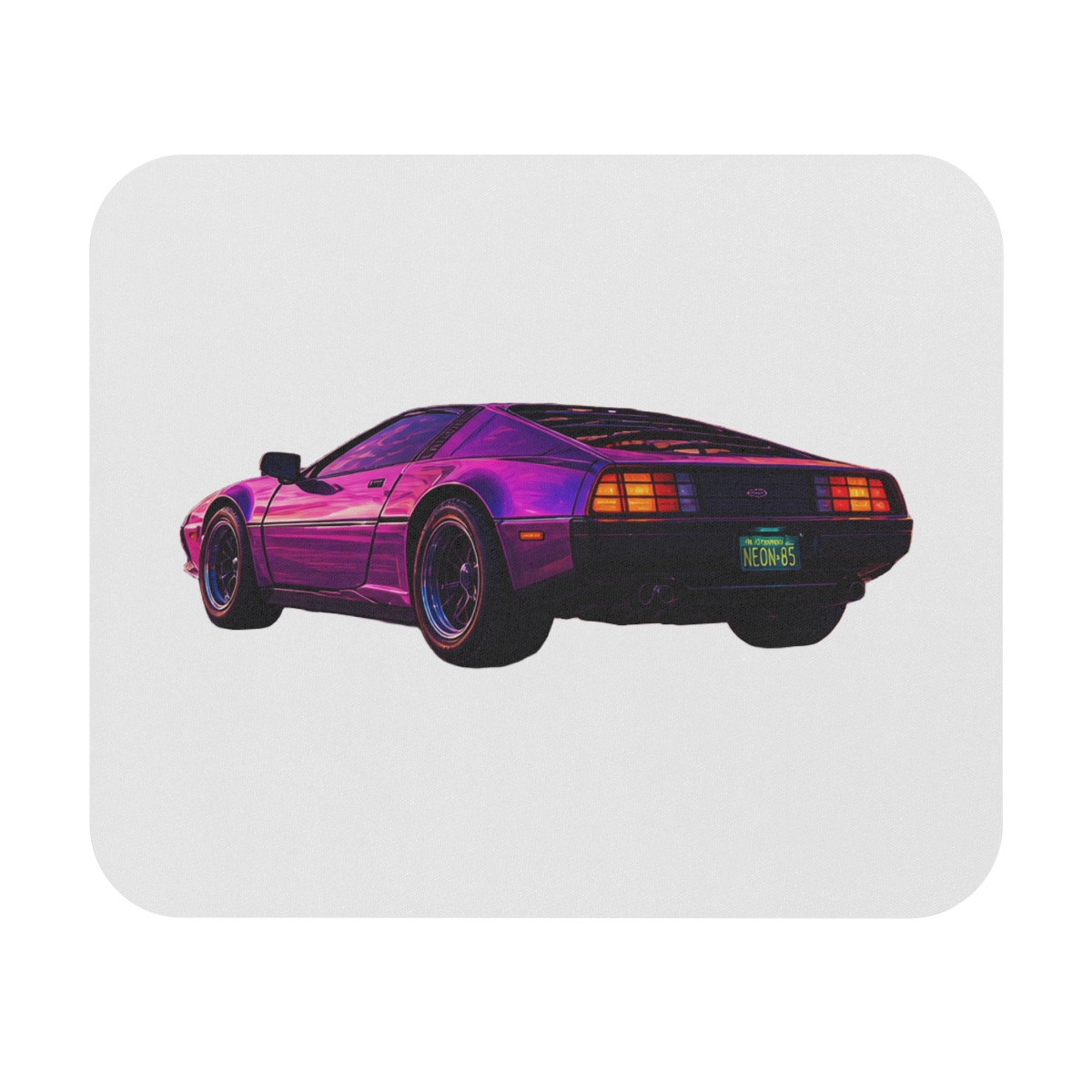
This mat measures 31.5 x 11.8 inches, which is large enough to sit under your keyboard and mouse, with room for a coffee mug on the side. The base is a 3mm natural rubber that grips the desk without moving. The top is a polyester cloth that works with both optical and laser mice. The print is a faded skyline of Los Santos at dusk, so it looks good even when your desk is cluttered.

Blaine County Mouse Pad - $12.99

If you want something smaller for the library or a coffee shop, this is the one. It's 9.8 x 8.3 inches, about the size of a notebook. The cloth surface is stitched around the edges to prevent peeling. It's not the cheapest mouse pad out there, but the print density is worth it - the desert highway scene stays sharp even after a few washes.

What Makes a Good Desk Mat

You don't need to spend $40 on a mat. Look for three things:

  • A rubber base at least 3mm thick - anything thinner slides around
  • Stitched edges, not glued - glued edges peel after a month
  • A smooth, non-textured surface for mouse tracking

My personal rule: if the mat curls at the corners when you unbox it, it won't lie flat after a week. The Los Santos mat ships rolled, so give it a day to flatten before you judge it.

How to Match Your Tech Gear with GTA Apparel

Half the reason to buy desk gear is the look. If you already own a GTA hoodie or tee, you might as well coordinate your setup. The store's accessories share the same art direction as the apparel, so you can build a cohesive look.

Here are three simple pairings:

  • Pair the Neon Ocean sleeve with a neon palm tree tee for a warm-weather vibe
  • Match the Vinewood Slim sleeve with the Vinewood sign hoodie for a classic LA feel
  • Use the Los Santos desk mat under a dark, minimal GTA hat or beanie

Don't overdo it. One statement piece per desk is enough. I usually tell clients to let the desk mat be the loudest item and keep the sleeve subtle, because the sleeve lives in your bag most of the day.

Final Picks for Your Back-to-School Tech Setup

Let's put together your list:

  • Laptop sleeve: the Vinewood Slim 15" at $29.99 if you have a 15-inch laptop; the Neon Ocean 13" at $24.99 if you're running an ultrabook
  • Desk mat: the Los Santos Extended Desk Mat at $19.99 for a proper study station
  • Mouse pad: the Blaine County Mouse Pad at $12.99 if you're on the move

That comes to under $65 for a full kit. Compare that to replacing a scratched lid or a broken hard drive - it's nothing.

When you're ready to shop, head to the GTA store's accessories section. The designs are always inspired by the games, and the print quality holds up over a semester of daily use.

Key Takeaways

  • A laptop sleeve is a cheap insurance policy for a $1,000+ device, and $25 is the sweet spot for a solid one
  • Measure your laptop's screen diagonal, not the case size, before buying a sleeve
  • Desk mats with 3mm rubber bases and stitched edges are the ones that last
  • Pair your tech gear with your existing GTA apparel to build a cohesive setup
  • The full kit - sleeve, desk mat, mouse pad - costs less than $65 and ships in 5-10 business days to the US

FAQ

How do I choose the right laptop sleeve size?

Measure your laptop's screen diagonal, not the exterior case. A 13-inch sleeve fits a MacBook Air 13, while a 15.6-inch sleeve suits most Windows laptops. If your laptop is thick or has a cooling pad, go one size up.

Are the laptop sleeves waterproof?

The sleeves have a water-resistant coating that handles light rain and accidental spills, but they're not fully waterproof. For heavy rain, keep your laptop in the main compartment of your backpack and use the sleeve as an extra layer.

Can I clean a GTA desk mat if I spill something on it?

Yes. Wipe the mat with a damp cloth and mild soap. The stitched edges prevent fraying, and the rubber base won't warp. Let it air dry completely before using it again.

What if my laptop is outside the sleeve size range?

The store only offers sleeves for laptops up to 15.6 inches. If you have a 17-inch gaming laptop, look for a universal sleeve from another brand and use the GTA desk mat to add theme to your setup.

How long does shipping take for a desktop mat?

Shipping is standard across all items: 5-10 business days to the US, with tracking provided. International shipping is available to select countries. You'll see shipping options at checkout.

Related Posts

Shop GTA Merch

Official merchandise — premium quality, designed for the community.